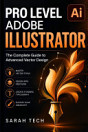
About this ebook
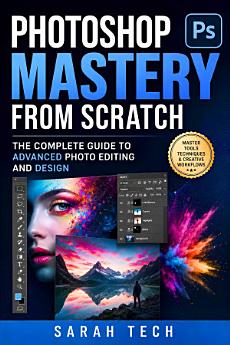
Whether you are retouching portraits, executing complex digital compositing, or building commercial graphic design layouts, this guide strips away the overwhelm. You will navigate the Adobe Photoshop CC interface with purpose, mastering the high-level tools that industry professionals use daily to create stunning digital art.
Core Skills You Will Develop
Non-Destructive Editing Workflows Edit fearlessly using layer masks, adjustment layers, and Smart Objects to preserve your original image data while applying advanced effects.
Precision Selection Techniques Isolate complex subjects like hair, fur, and transparent objects using refined edge tools and advanced channel selections.
Professional Color Grading Correct tone, exposure, and color balance using Curves and Levels for cinematic and hyper-realistic digital retouching.
Typography and Commercial Layout Combine text and imagery seamlessly to build striking graphic design assets, promotional materials, and digital layouts.
Blend Modes and Compositing Merge multiple photographs into seamless, photorealistic manipulations and digital composites.
Stop memorizing disjointed tutorials and start understanding the underlying mechanics of image manipulation. By the end of this comprehensive guide, you will have the technical confidence to tackle any creative brief or photo retouching project—building professional assets entirely from scratch.