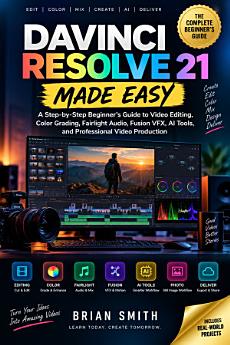
DAVINCI RESOLVE 21 MADE EASY: A Step-by-Step Beginner’s Guide to Video Editing, Color Grading, Fairlight Audio, Fusion VFX, AI Tools, and Professional Video Production
About this ebook
DaVinci Resolve 21 Made Easy gives beginners a clear path through one of the most powerful video-production platforms available today. Whether you're creating YouTube videos, social-media content, courses, documentaries, business videos, or personal projects, this guide helps you understand the tools and workflows you need without getting lost in technical complexity.
Inside, you'll learn how to set up DaVinci Resolve 21, organize your media, build timelines, edit footage, create titles and subtitles, apply professional color correction, work with Fairlight audio, create visual effects in Fusion, and use AI-powered tools to speed up common production tasks.
You'll also learn how to manage proxies, optimize Resolve for better performance, edit multicamera projects, work with Blackmagic Cloud, prepare videos for YouTube, TikTok, and Instagram, and export finished projects in the right formats.
The book also includes practical quick-reference sections covering keyboard shortcuts, video formats, color grading, Fairlight audio, Fusion nodes, AI tools, export settings, troubleshooting, and essential Resolve terminology.
Whether you're opening DaVinci Resolve for the first time or want a clearer understanding of its professional workflow, this guide gives you a practical foundation for creating better videos with confidence.
Stop feeling overwhelmed by your editing software. Start creating with DaVinci Resolve 21 today.
Click the Buy Now button and get your copy of DaVinci Resolve 21 Made Easy today!