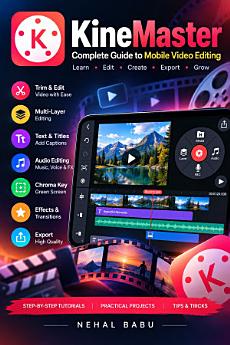
Kine Master: A Beginner’s Guide to Mobile Video Editing, Green Screen, Effects, Animation, and Social Media Videos
About this ebook
Whether you are a beginner, student, YouTuber, or aspiring content creator, this practical ebook will help you understand KineMaster and create engaging videos using your smartphone.
Inside this book, you will learn how to:
• Install KineMaster and start your first video-editing project.
• Understand the editing interface, timeline, playhead, and media browser.
• Trim, split, crop, rotate, and arrange video clips.
• Use multiple layers, overlays, and blending modes.
• Add transitions, filters, visual effects, titles, and subtitles.
• Edit music, sound effects, voiceovers, and audio levels.
• Create green-screen videos using chroma key.
• Animate text, images, and video layers with keyframes.
• Edit YouTube videos, Instagram Reels, Shorts, and other social media content.
• Choose the right resolution, frame rate, and export settings.
• Understand premium features, watermarks, and subscription considerations.
• Troubleshoot common editing problems and improve video quality.
The book also includes five practical projects, beginner-friendly exercises, a final editing checklist, frequently asked questions, and a glossary of essential video-editing terms.
Written in clear, step-by-step language, this guide helps you build practical editing skills, improve your creative workflow, and produce polished videos for personal projects, educational content, and social media.
Start with the basics, practise each technique, and develop your confidence as a mobile video creator.
About the Author:
Nehal Babu writes practical, beginner-friendly guides about digital tools, creative technology, and video editing.
Disclaimer: This is an independent educational publication. It is not affiliated with, endorsed by, or sponsored by KineMaster Corporation. App features, interface details, and subscription terms may change by version, device, region, and plan.