About this ebook
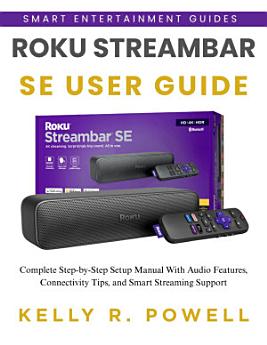
If setup menus, audio settings, or streaming features feel confusing, this guide simplifies everything. You’ll learn how to set up your Streambar SE, improve sound, and enjoy smoother streaming — no tech skills needed.
Get clear steps, helpful tips, and simple explanations that help you get the best performance from your device.
📚 WHAT YOU WILL LEARN:
🚀 Set up your Streambar SE using HDMI ARC or optical.
🚀 Navigate menus, channels, and apps easily.
🚀 Improve sound clarity, bass, and speech levels.
🚀 Use audio modes for movies, music, and night viewing.
🚀 Connect Bluetooth devices for private listening.
🚀 Use AirPlay, HomeKit, Alexa, and Google Home.
🚀 Add, organize, and manage streaming channels.
🚀 Boost Wi-Fi for smooth streaming.
🚀 Troubleshoot common sound and connection issues
🚀 Pair or upgrade your remote.
🚀 Customize your home screen.
🚀 Use accessibility tools for easier viewing.
🚀 Manage your Roku account and subscriptions safely.
🚀 Use hidden shortcuts and extra tips.
🚀 Maintain your device for long-term performance.
🚀 Reduce buffering with advanced network tips.
🚀 Expand your setup with optional subwoofers.
🚀 Reset or restart your device when needed.
This guide helps you get better sound, faster streaming, and a smoother TV experience — all with simple, clear instructions.
✨ Take charge of your streaming experience. Get your copy today!**
DISCLAIMER: This book is an independent publication and is not affiliated with Roku.