
Princh


PEGI 3
info
100K+
Downloads

PEGI 3
Learn more


About this app
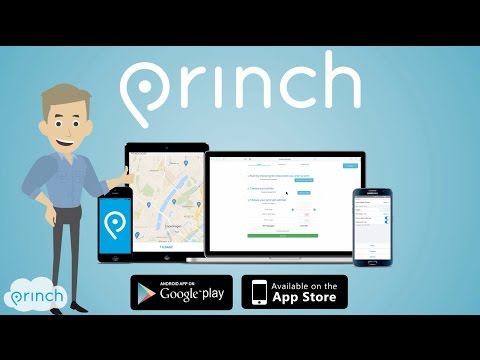
The Princh app lets you easily locate printers nearby and print documents directly from your device.
App quick-guide:
- Locate a nearby printer on the Princh map and go there.
- Open the document you wish to print and tap “open in” Princh.
- Select the printer either by typing in the printer ID or by scanning the QR code by the printer.
- Finish by paying for the print job with your credit card or other payment form and collect your document in the printer.
That’s it!
The Princh network consists of publicly available printers in a multitude of locations such as libraries and print shops etc.
We want to give you the best printing experience possible, so if you have any comments, questions or problems we would love to hear from you at support@princh.com
Thank you for your support!
App quick-guide:
- Locate a nearby printer on the Princh map and go there.
- Open the document you wish to print and tap “open in” Princh.
- Select the printer either by typing in the printer ID or by scanning the QR code by the printer.
- Finish by paying for the print job with your credit card or other payment form and collect your document in the printer.
That’s it!
The Princh network consists of publicly available printers in a multitude of locations such as libraries and print shops etc.
We want to give you the best printing experience possible, so if you have any comments, questions or problems we would love to hear from you at support@princh.com
Thank you for your support!
Easily find a printer nearby and print documents from your mobile device.
Updated on
Safety starts with understanding how developers collect and share your data. Data privacy and security practices may vary based on your use, region, and age. The developer provided this information and may update it over time.
- No data shared with third partiesLearn more about how developers declare sharing
- This app may collect these data typesFinancial info and Files and docs
- Data is encrypted in transit
- Data can’t be deleted


What’s new
- New printer map
- Security updates
- Security updates
PEGI 3
Learn moreApp support
About the developer
Princh A/S
support@princh.com
Bjørnholms Allé 22
8260 Viby J
Denmark
+45 89 88 67 66
